
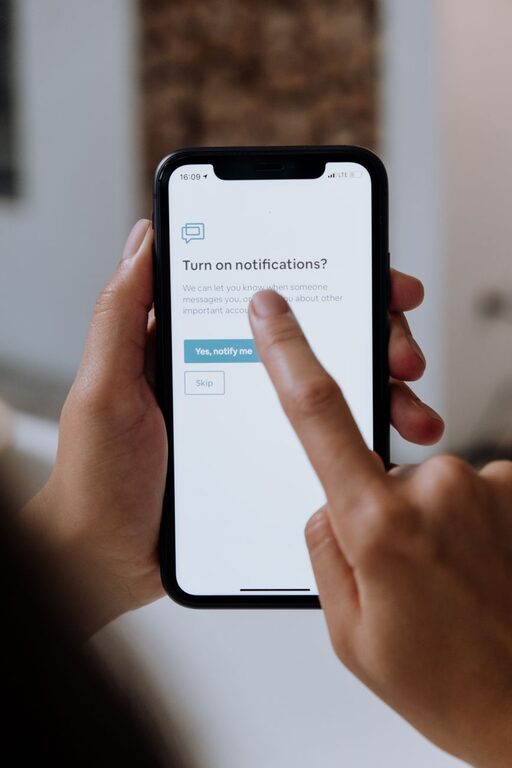
In today’s always-connected world, notifications from our phones, computers, and apps can easily take over our attention. While these alerts can be helpful, they often interrupt our focus and cause stress. Setting clear boundaries with notifications is a powerful way to regain control over your time and improve concentration. In this post, we’ll explore practical tips to help you manage notifications effectively.
Why Setting Notification Boundaries Matters
Notifications are designed to grab your attention, often competing with important tasks. Constant interruptions can lead to reduced productivity, increased anxiety, and difficulty maintaining focus. By setting boundaries, you create a healthier balance between staying informed and protecting your mental space.
Assess Your Current Notification Habits
Before making changes, take a moment to review your current notification settings:
– Which apps send you the most alerts?
– How often do you check your phone or computer after receiving a notification?
– Are there notifications that you ignore or find unnecessary?
Understanding your habits will help you decide where to focus your efforts.
Tips for Setting Boundaries with Notifications
1. Customize Notification Settings
Most devices and apps allow you to personalize notifications. Consider the following:
– Turn off non-essential notifications. Disable alerts from apps that don’t require immediate attention, such as social media or promotional messages.
– Use “Do Not Disturb” mode. Schedule this mode during focused work hours or at night to minimize interruptions.
– Set priority notifications. Choose which contacts or apps can bypass “Do Not Disturb” for urgent alerts.
2. Designate Notification-Free Times
Creating blocks of time without notifications can boost concentration:
– Schedule “focus time” for deep work or creative tasks and silence notifications during these periods.
– Turn off notifications during meals, family time, or personal activities to stay present.
– Use digital wellbeing tools that track and limit screen time to reinforce healthy habits.
3. Limit Notification Types
Not all notifications are equal. Restrict the types you receive to the most relevant:
– Opt for banners or badges instead of sounds or vibrations to reduce distraction.
– Disable repetitive or redundant alerts, like multiple messages or updates from the same app.
– Adjust notification settings within apps themselves to control what content triggers alerts.
4. Consolidate Notifications
Instead of receiving alerts in real time, consider batching them:
– Set your phone or computer to deliver notifications at specific times rather than continuously.
– Use summary features available in some operating systems to review notifications collectively.
– Check your inbox, messages, and social media at designated intervals rather than constantly.
5. Use Technology to Support Your Boundaries
Several apps and tools can help manage notifications:
– Focus apps block or limit distracting notifications during work sessions.
– Notification managers categorize alerts and allow you to mute or prioritize them easily.
– Explore built-in tools on your devices such as Screen Time on iOS or Digital Wellbeing on Android.
Tips for Maintaining Healthy Notification Boundaries
– Communicate with others. Let friends, family, and colleagues know about your notification boundaries so they understand when you might not respond immediately.
– Review settings regularly. Notification needs may change over time; revisit your settings every few weeks to adjust.
– Be mindful of your reactions. Notice how notifications affect your mood and focus. Use this awareness to make further improvements.
Conclusion
Notifications are a useful part of modern technology, but without boundaries, they can disrupt your day and add stress. By customizing your notification settings, scheduling quiet times, and using technology wisely, you can create a balanced digital environment that supports your focus and well-being. Start with small changes today, and enjoy the benefits of fewer distractions and greater productivity.